In short
- Messages go out much faster; stuck conversations are fixed
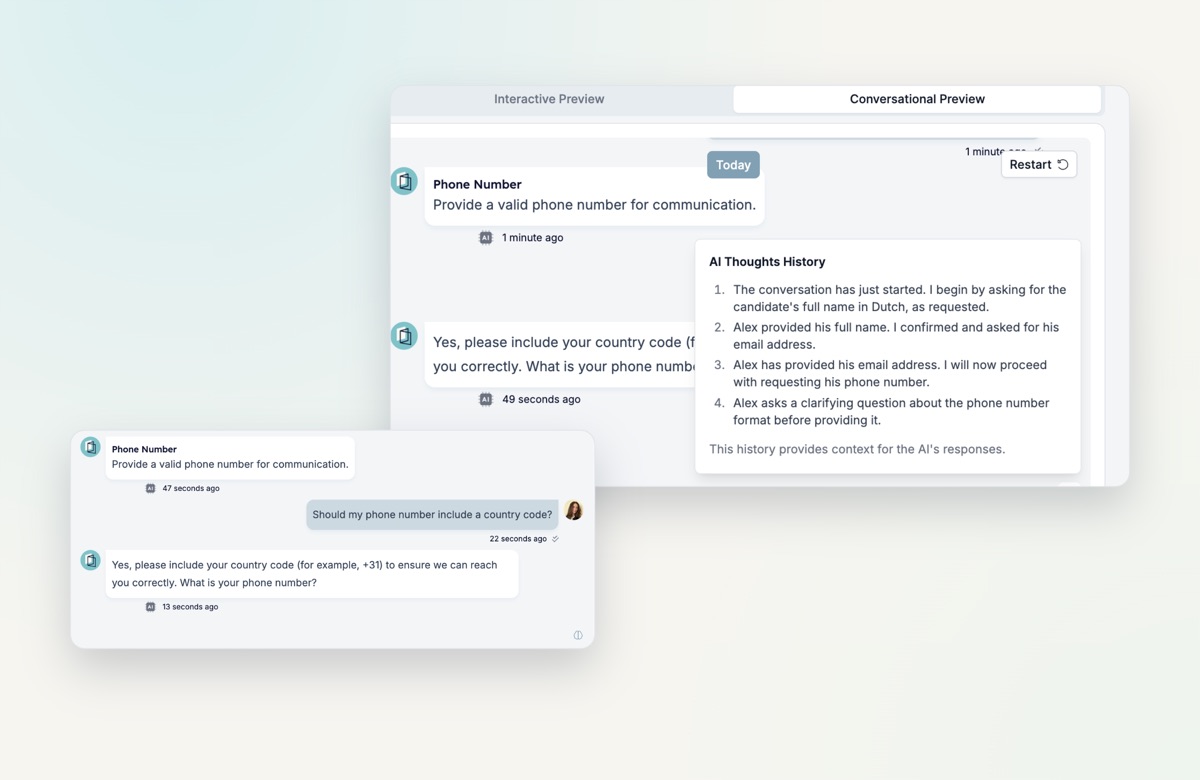
- AI Thoughts History shows the reasoning behind each reply
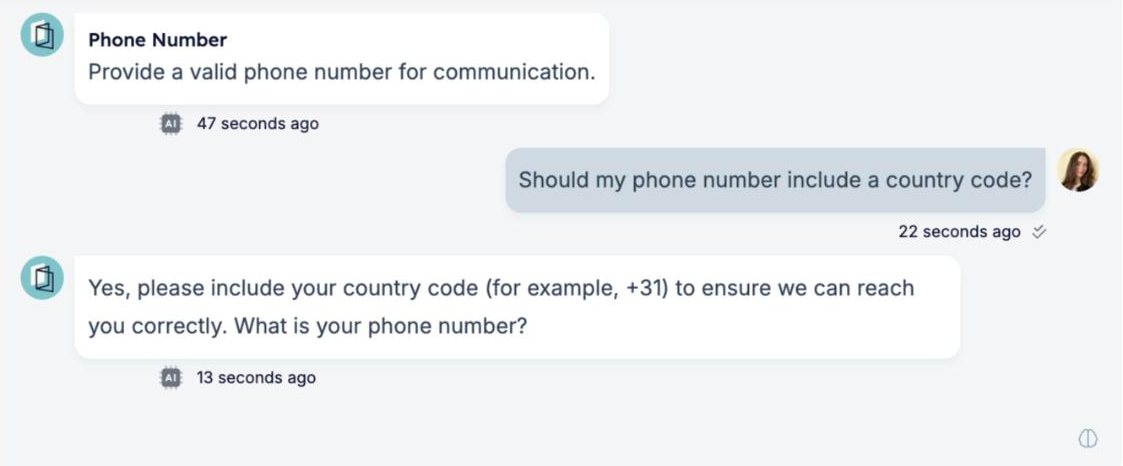
- Questions asked mid-form are answered without skipping ahead
- Emoji reactions in the inbox, and a WhatsApp tab on Carerix contacts
Much faster conversations
Messages are sent much more quickly than before. Candidates get snappier replies, and conversations no longer get stuck halfway.
What’s new
- AI Thoughts History. See the reasoning behind each reply of the AI, so you understand why it said what it said and can adjust it.
- Questions mid-form. When a candidate asks a question halfway through, it is detected and answered without interrupting or skipping the form.
- AI message suggestions. When you test a conversation in a form, AI suggests replies, so you can refine the candidate experience faster.
- Form kickoff preset. A new system message preset to test inbound flows from the very start of a conversation.
- Emoji reactions. Candidates can react to messages with an emoji, and you see the reactions in the inbox.
- WhatsApp tab on Carerix contacts. See and manage WhatsApp conversations straight from the contact record.
Also improved
AI completions now support up to 16,384 characters, webhook health check messages are clearer, and outbound messages are marked as read correctly, so your response rates reflect real engagement.
Try it yourself
Open the Inbox and the conversational preview of a form to try it.