In short
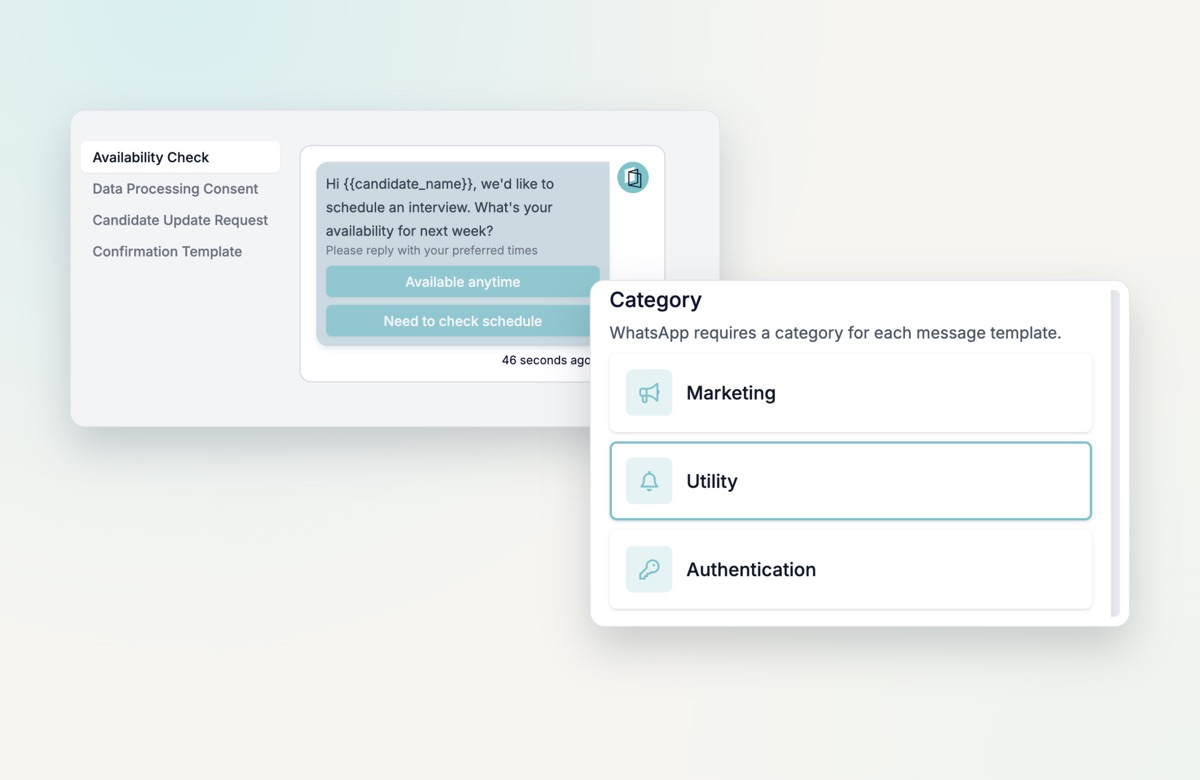
- Pick Marketing, Utility or Authentication when you create a template
- Also available when you turn form fields into templates in an automation
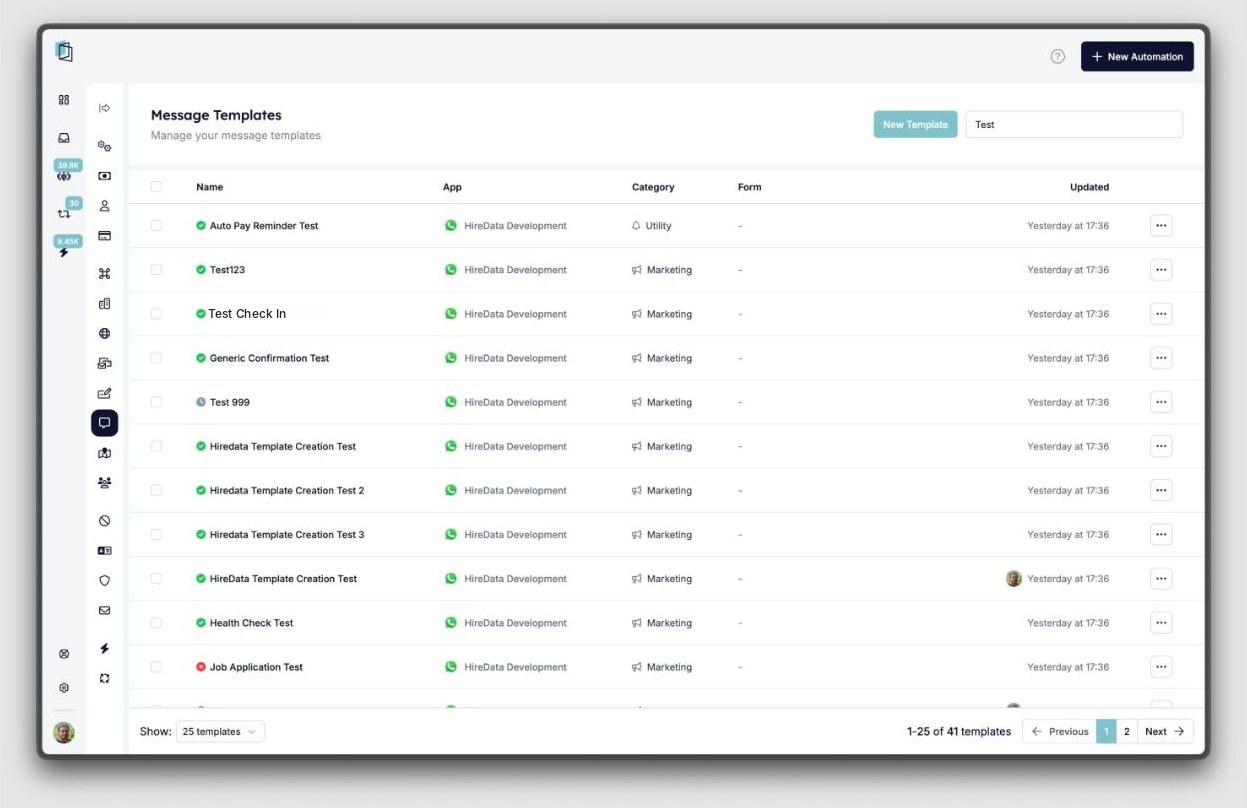
- New Category column in the template list
- Change the category or language while a template is still a draft
Why the category matters
Until now, every WhatsApp template made in HireData was a Marketing template. That is a problem: Meta uses the category to decide how a message is delivered, and non-promotional messages sent as Marketing risk being flagged as spam. That hurts deliverability and your sender reputation.
You now pick the category yourself:
- Marketing: promotions, offers and announcements.
- Utility: transactional updates, status changes and notifications.
- Authentication: one-time passwords and verification codes.
New in the template builder
- Category column in the template list, so you see at a glance what kind of template it is.
- Change the category of a draft template from the settings drawer. The current category shows next to “Last updated”.
- Swap the language of a draft template that has only one language.
Fixes
- Clearer validation errors and highlighting.
- Deleting an unsaved language no longer asks for confirmation or blocks the removal.
- The delete icon is hidden when a template has only one language.
- Saving no longer causes WhatsApp errors when buttons contain variables.
Try it yourself
Go to Message templates in HireData and create a template with the right category.