In short
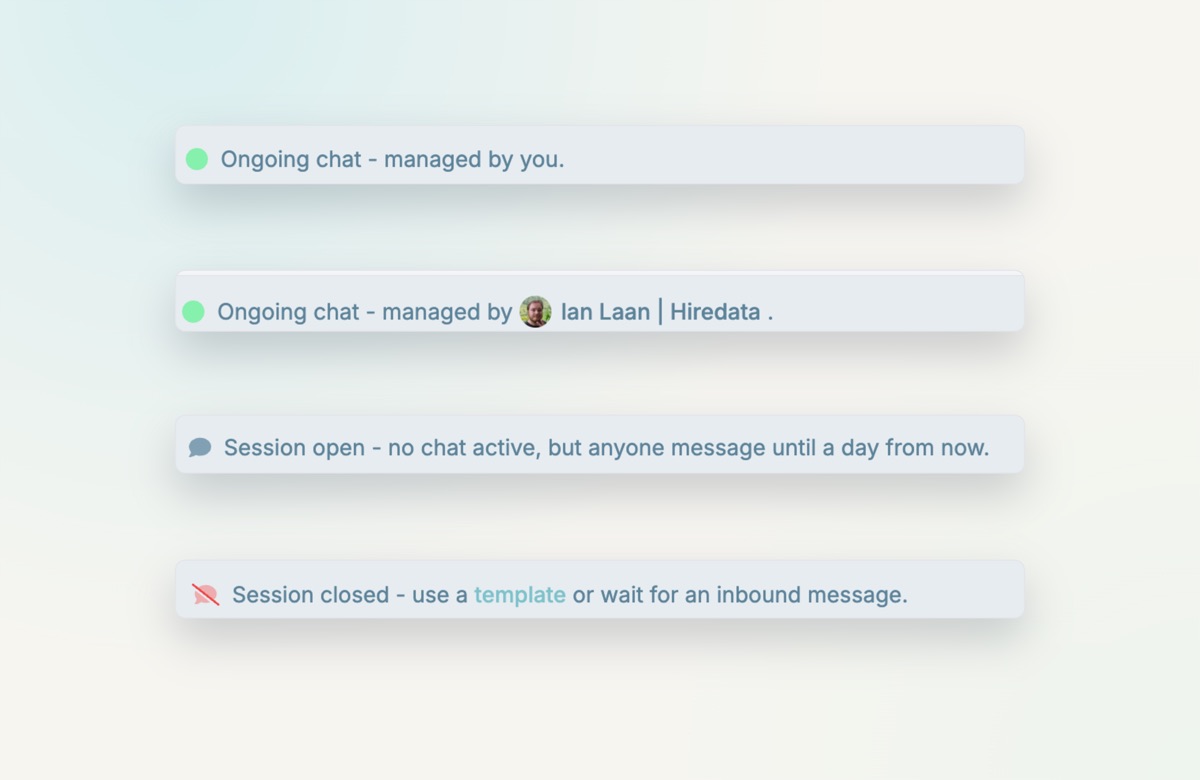
- Green: an ongoing chat, managed by its owner
- Grey: no active chat, but anyone can message until a day from now
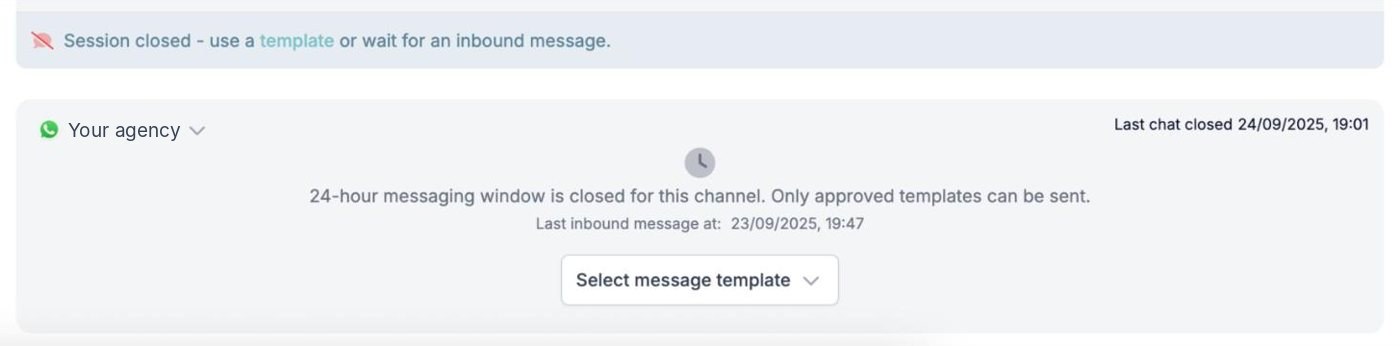
- Red: session closed, use a template or wait for a reply
- Clearer wording on ownership and the 24-hour rule
Three statuses
- Green: ongoing chat, managed by the conversation’s owner.
- Grey: no chat active, but anyone can send a message until a day from now.
- Red: session closed. Use a template, or wait for an inbound message.
Clearer wording
We also rewrote the text across the inbox, so ownership, permissions and the 24-hour rule are easier to understand. That makes the inbox more predictable for teams with a lot of WhatsApp traffic.