In short
- Three tabs: Collections, People and Responses
- Every collection gets its own workspace: records, fields, automations, events, runs and tasks
- Every record gets a timeline with its full history
- Sync and Action buttons on every record
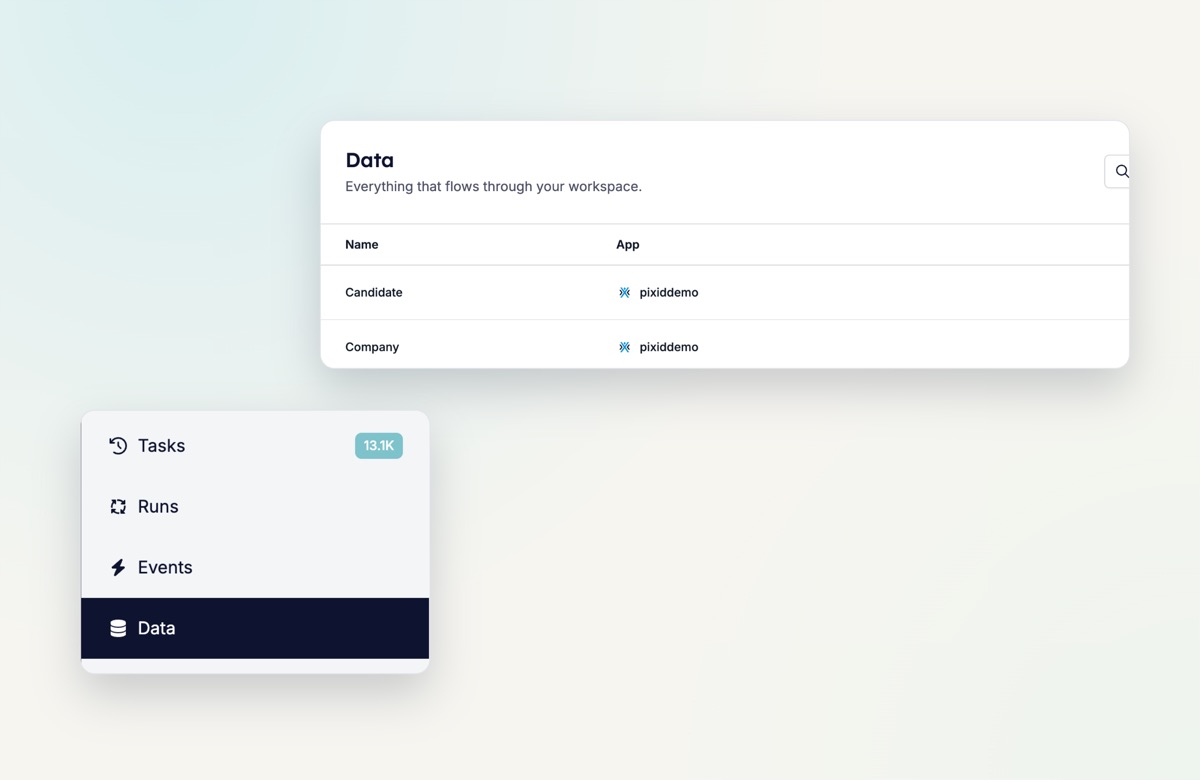
Three tabs
- Collections. Every collection from every connected app, with its source app, creation date and last update. Click Candidate, Vacancy, Application or any other collection to see what is inside.
- People. Every candidate, contact and user across your collections in one searchable list, with their contact details and inbox.
- Responses. All form responses in one place. Handy to see what came in this week across all forms.
A workspace per collection
Each collection now has its own tabs: Records, Fields, People, Automations, Events, Runs and Tasks. Under Fields you see every data point the collection tracks. Under Automations you see every automation it triggers, with its status, so you can manage and monitor them without leaving the page.
Records with a full history
Open any record, such as a candidate or a publication, for its Timeline, Runs, Tasks and Data. A busy candidate can have 200+ events, and you can scan the whole history in one place. Use Sync to sync one or more records, and Action to run a manual automation on them.
Try it yourself
Open Data in the sidebar to browse your collections, people and responses.