In short
- New Manual trigger for any automation
- Run it from a single record, or in bulk from a list
- A confirmation shows exactly which records it will touch
- Works wherever automations work, in every connected ATS
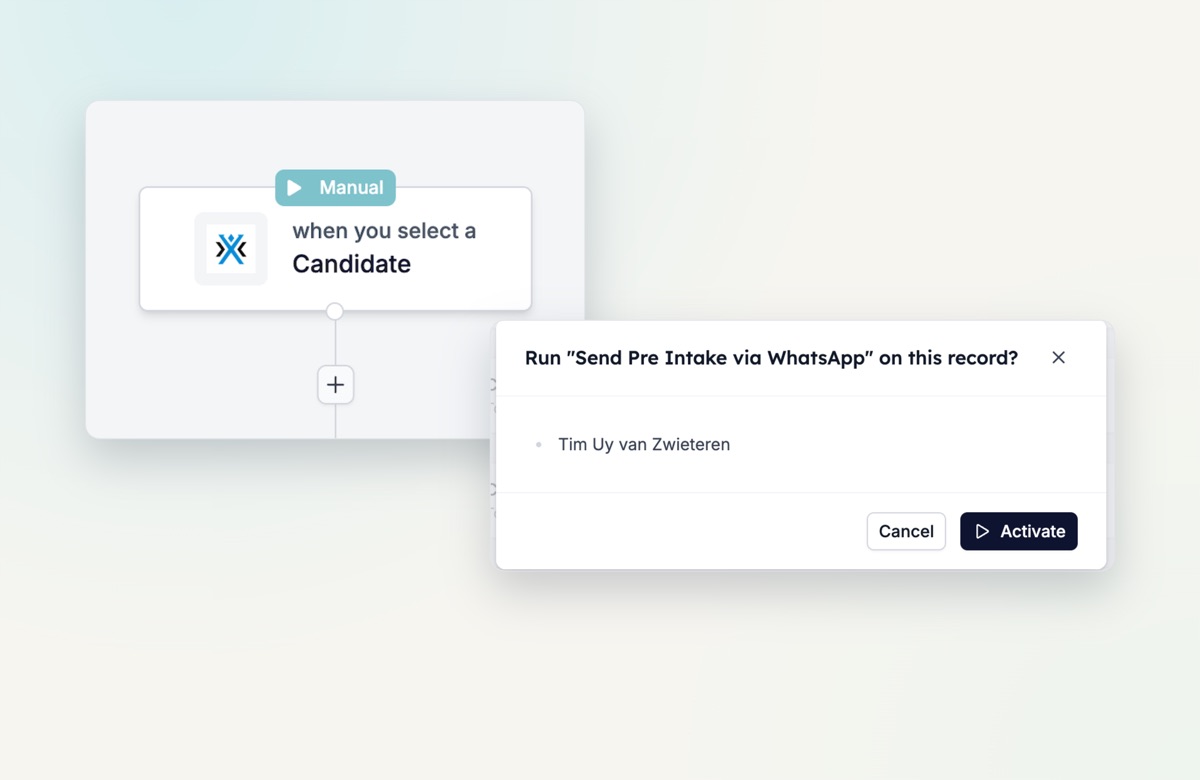
When “every time X changes” doesn’t fit
Some work you want to start yourself: rejection emails, profile enrichment, a one-off WhatsApp message. With a Manual trigger, you decide when it runs.
How it works
- From a single record. Open any record and click Action. You see every manual automation for that record type: candidates, matches, vacancies and more. Pick one, confirm, and it runs.
- In bulk from a list. Select 25, 250 or more records in a list view, and the Action button runs the same automation for each of them. No more clicking through records one by one.
- Confirm before it runs. Every manual run shows exactly which records will be touched, before anything goes out.
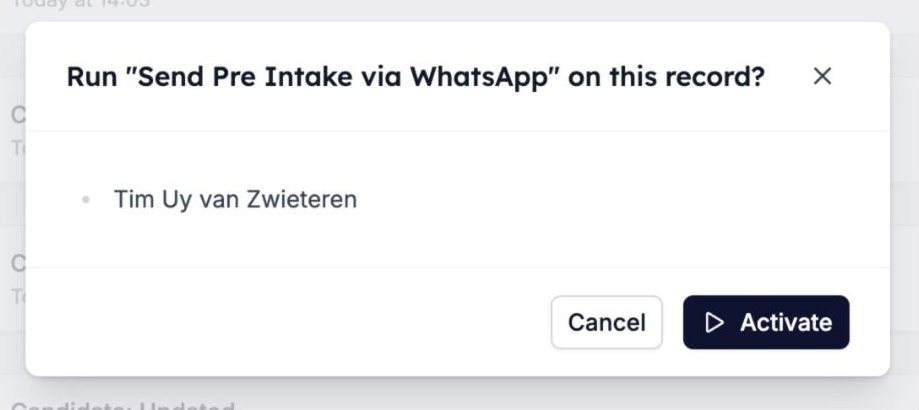
Manual triggers work wherever automations work, in every connected ATS. In Carerix, your manual automations sit under the Action button on the record.
Try it yourself
Open your automations, set the trigger to Manual, and run it from any record or list view.