In short
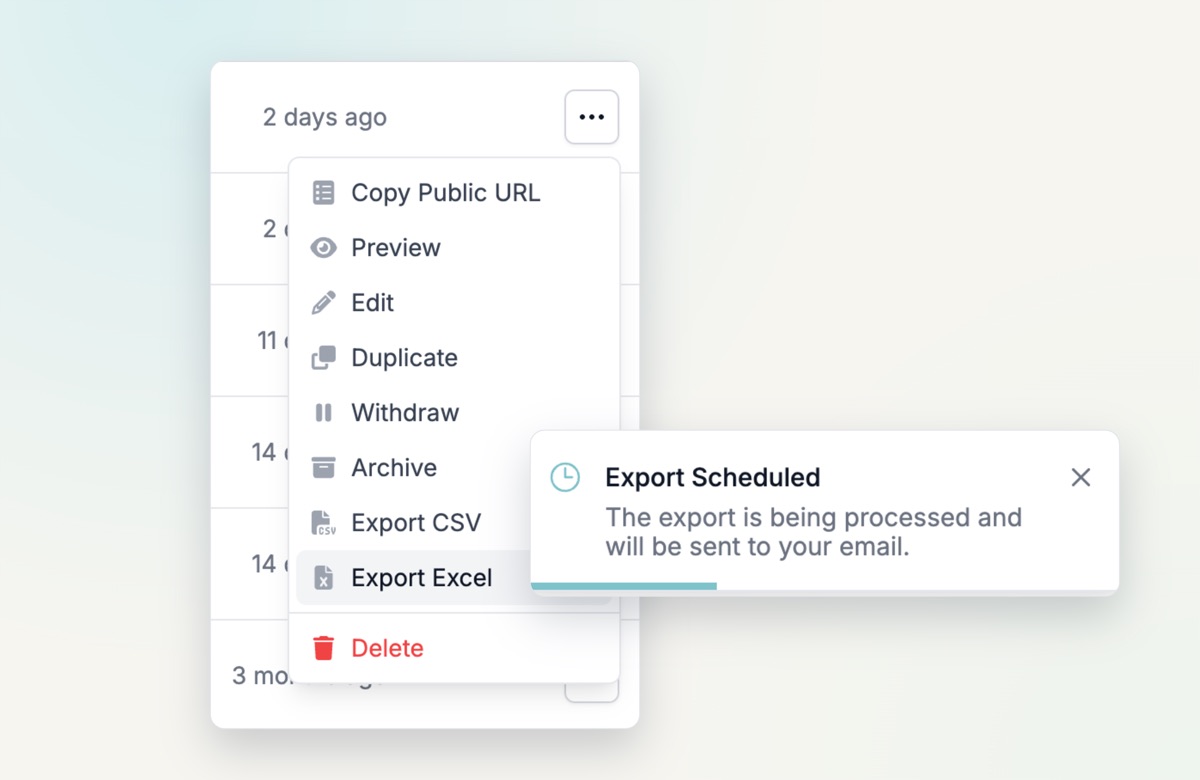
- Export to CSV or Excel from the form’s action menu
- Includes contact details, timestamps and every question
- Covers responses from email, web and WhatsApp
- The file is sent to your email
Why it is useful
Analyse the answers you collected by email, web and WhatsApp, report on them, or use them in another tool. Many customers asked for this, and we will keep improving it.
How it works
- Go to Forms and click Export CSV or Export Excel in the action menu, on the overview or the edit page.
- Check your email. The export can take a few minutes, and it may end up in your spam folder.