In short
- Any custom object, not just the nine built-in ones
- Create new records straight from an automation
- Link them to the candidate, contact or user
- Map all common Salesforce field types
Custom objects, now supported
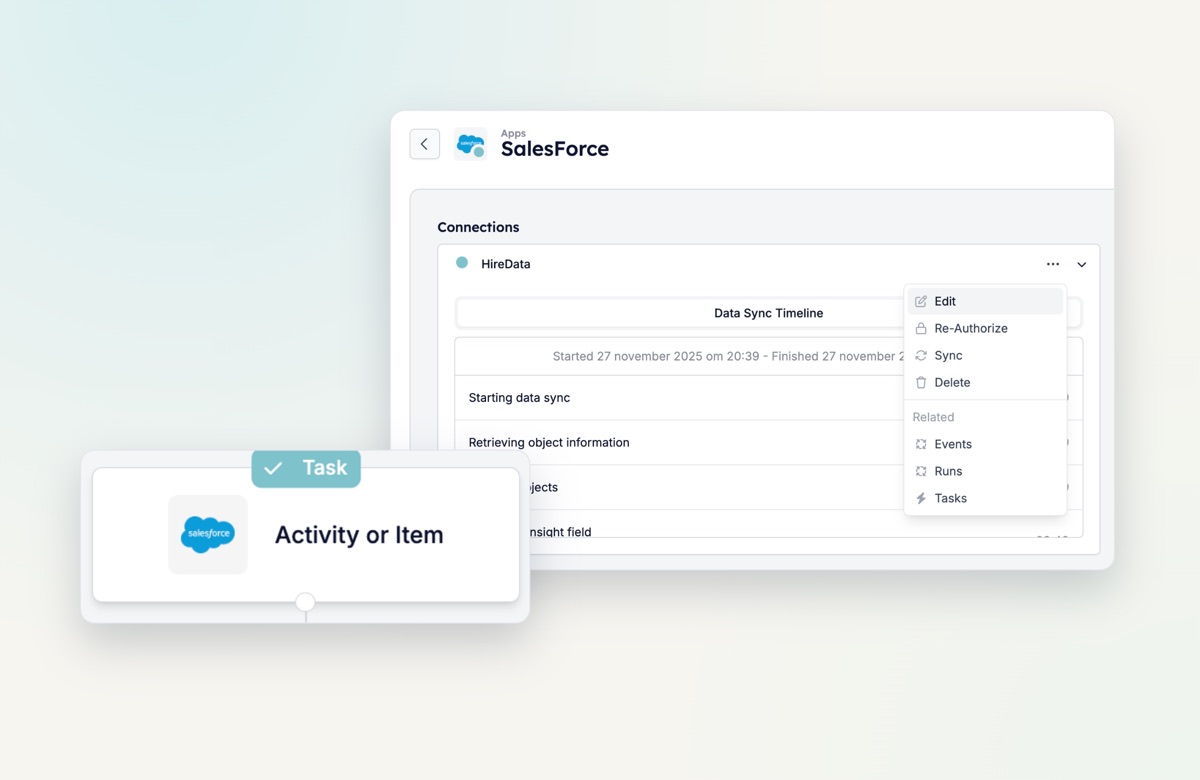
Until now, automations could write to nine predefined Salesforce objects. That limit is gone. When you add an Add Activity or Item step, the Type dropdown lists every object enabled in your Salesforce configuration: teams, feedback, submissions, anything your team has defined.
- Create records. A survey, intake form or screening flow can create a new custom object record, exactly as if a user had created it in Salesforce.
- Link them. New records can be linked to the candidate, contact or user behind the automation, so the data lands where your team looks for it.
- Map any common field type. Text and rich text, date and date-time, email and phone, number, picklist, checkbox and lookup relationships.
Works on every Salesforce-based platform
Because it is built on Salesforce’s own object model, it works on platforms built on top of it too, such as MySolution, Tigris and Connexys. Talent pools, scoring matrices, compliance checks or candidate feedback can now flow in and out of HireData automations like standard objects.
Try it yourself
Open an automation, add or edit an Add Activity or Item step, and pick your custom object. Not listed? Enable it in your Salesforce configuration first.