In short
- Counter next to WhatsApp in the left menu of Carerix
- Personal and real-time
- Counts replies to your chats and to automated messages sent on your behalf
- Stays up until you open the conversation
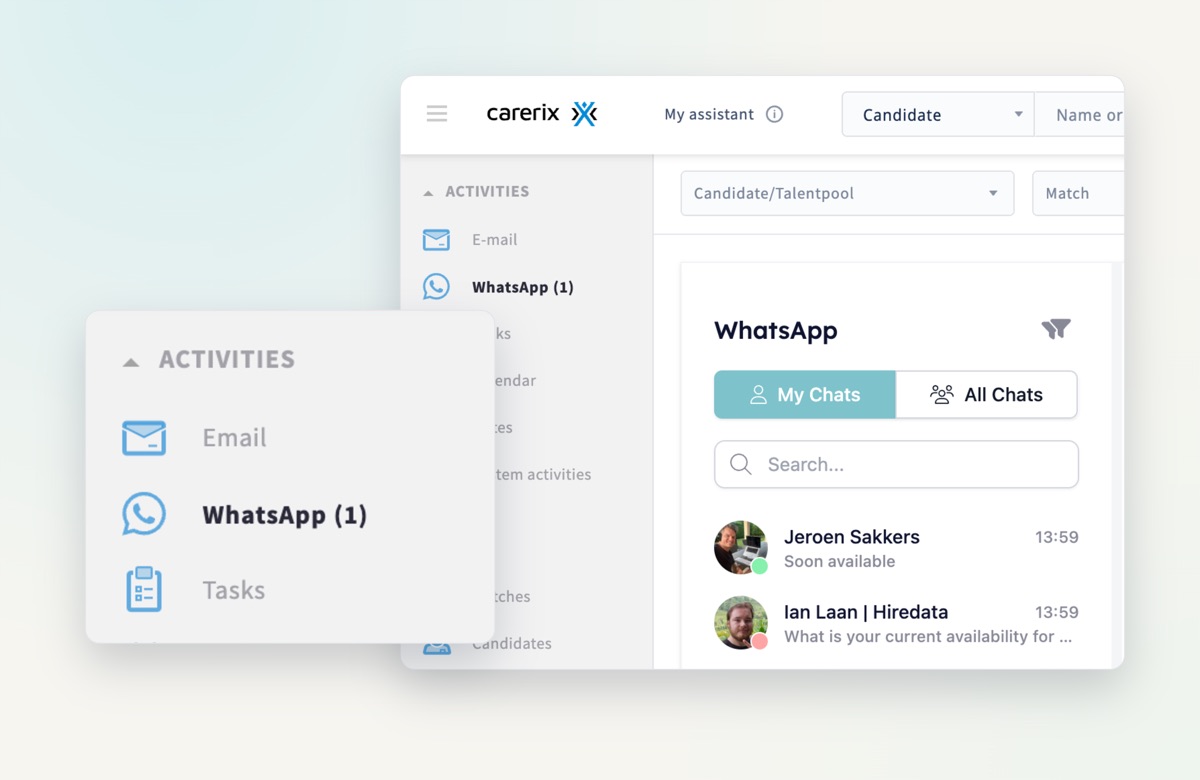
How it works
The counter is personal and updates in real time. It goes up when:
- a candidate replies to one of your conversations;
- someone responds to an automated WhatsApp message sent on your behalf;
- a message comes in from a candidate or contact already in Carerix. It is routed to the owner of that record, and their counter goes up.
The number stays up until you open the conversation, so you always know where your attention is needed: a reply to read, an automated thread to check, or a conversation to take over.
Why it matters
When you manage many candidates at once, a reply is easy to miss. The counter makes sure nobody waits without you knowing.