HireData for Meta lead ads
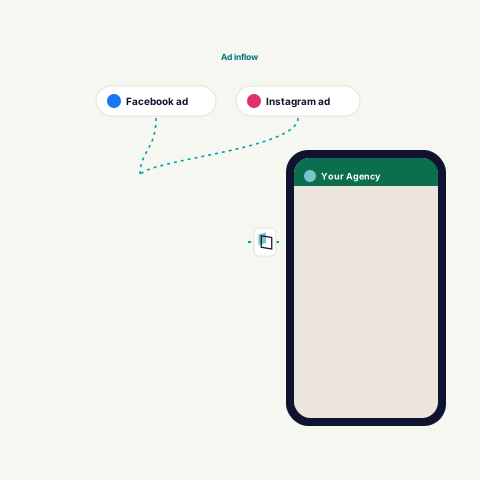
A lead form on Facebook or Instagram starts an agent. The lead lands in your ATS as an application and gets a follow-up on WhatsApp.
What starts an agent
In HireData the app is called Meta Leads. You keep running the campaigns in Meta.
- WhenA new lead
Someone submits a lead form from a Facebook or Instagram campaign.
- WhenPer Page and form
You select the connection, the Facebook Page and the form the agent listens to.
- WhenOne form at a time
Forms with different questions may need different mappings. Test every form you use.
What an agent can do
What the agent does with a lead. The help center describes this flow for Carerix.
| Step | Kind | What it does |
|---|---|---|
| Find | Find | Finds the vacancy from the vacancy identifier in the form. |
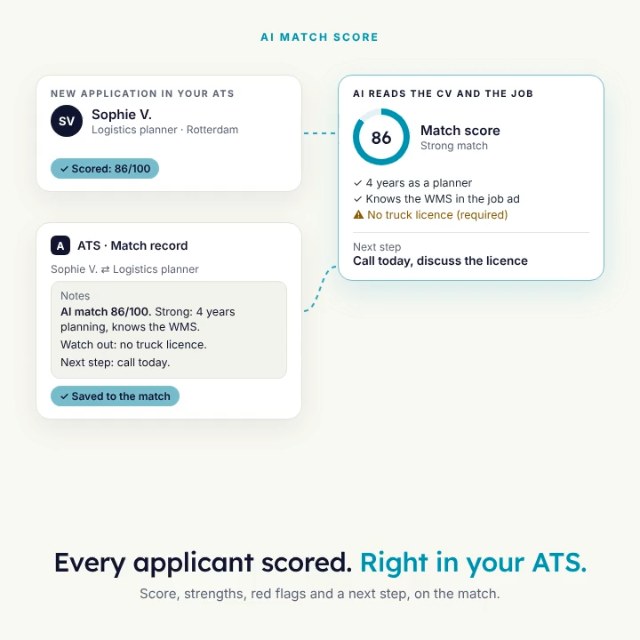
| Job Application | Add | Creates the job application, a match in Carerix. With your match stage, match source and candidate owner. |
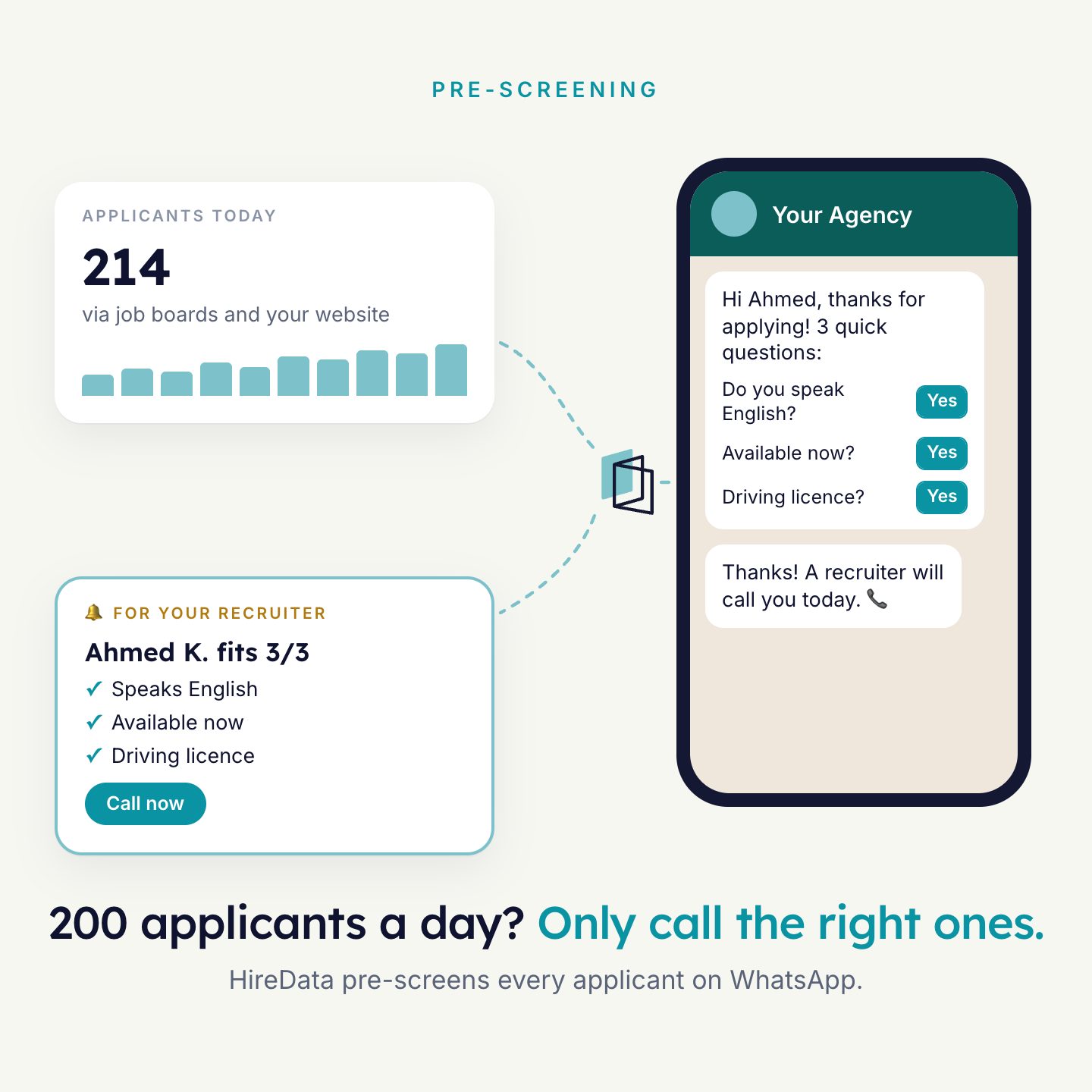
| Start a Conversation | Message | A WhatsApp follow-up for the details the form did not ask, such as availability and preferred location. |
| Update field(s) | Update | Saves the answers in the candidate fields you map. |
What is read and written
Put these values in your lead form. This is how the agent uses them.
| Form value | Used for | Notes |
|---|---|---|
| First name and last name | Candidate name | Collect them as two separate fields. |
| Email address | Candidate lookup | Finds the candidate in your ATS. |
| Phone number | Mobile number | Also used for the WhatsApp follow-up. |
| Vacancy identifier | Vacancy lookup | A form parameter. It finds the vacancy the candidate is matched to. |
| Your own questions | Mapped fields | They differ per form, so map them per form. |
WhatsApp follow-up. The lead must have given a mobile number and opted in to messages from your business. The first message is an approved template.
How to connect
- Open Apps in HireDataUnder Settings, Configuration. Select Meta Leads, then New connection.
- Sign in with FacebookUse the personal account linked to the business that manages the Page.
- Grant accessTo the Page and its leads. Then return to HireData.
- Pick the Page and formCreate an agent with Meta Leads as the start and Lead, Created as the trigger.
- Send a test leadUse your own contact details. Check the result in your ATS before you activate.
What you need
- A Facebook account linked to the business that manages the Page
- Access to the Page and its lead data
- A lead form to set up and test with
- Your ATS and WhatsApp connected

See it run on your own vacancies.
Answer four short questions and watch the agent for your problem. Then book 30 minutes with us.