 RecruiteeTriggers
HireData for Recruitee
Changes in Recruitee start your agents. They follow up by email, with a form or a survey. Results are not written back to Recruitee yet.
Triggers
What starts an agent
New candidates, applications and jobs start your agents.
- WhenAn application is created or updated
Choose created, updated or both.
- WhenOnly the stage you want
Example: continue only when the outcome is Declined.
- WhenWait before you follow up
Example: wait one day and skip weekends, then send a personal email.
Actions
What an agent can do
Recruitee supplies events. The agent does its work outside Recruitee.
| Step | Kind | What it does |
|---|---|---|
| Send Email | Message | A personal email after a stage change, with candidate, job and sender values from Recruitee. |
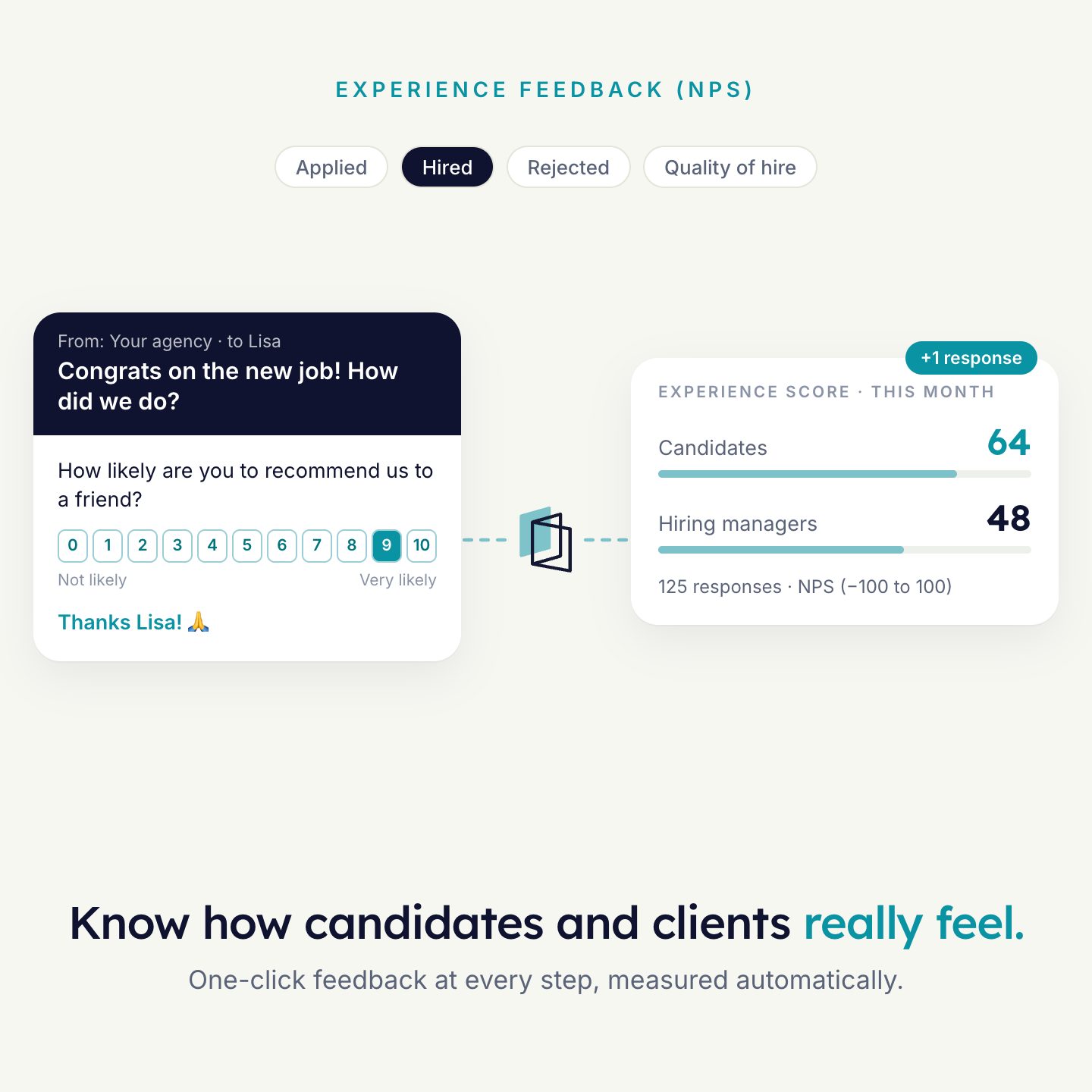
| Form or survey | Message | Ask a declined candidate for feedback, or send a survey. |
| Filter and delay | Logic | Only the applications you chose continue. Wait for a set period before the follow-up. |
| Write to Recruitee | Not yet | An agent can start from Recruitee but cannot write back to it. |
Data
What is read and written
What an agent can read from Recruitee. The permissions of your API token decide what is available.
| Object | Supported | Notes |
|---|---|---|
| Application | TriggerRead | Created or updated. |
| Candidate | Read | For example the name, to address the candidate in an email. |
| Job | Read | |
| Hire | Read | Needs the permission to view hired candidates. |
Trigger only. Results are not written back to Recruitee yet. Answers and form responses stay in HireData.
Set-up
How to connect
- Create an API token in RecruiteeUse a user with the permissions listed here.
- Open the Recruitee app in HireDataUnder Settings, Apps. Click Connect to Recruitee.
- Paste the token and your Company IDYou find the Company ID in your Recruitee company details.
- Wait for the first syncIt can take a few minutes. Then build, test and activate.
Permissions for the token
- Collaborate on candidates, Join hiring teams
- View all existing jobs data
- View hired candidates
- Manage API tokens

See it run on your own vacancies.
Answer four short questions and watch the agent for your problem. Then book 30 minutes with us.