 Connected
HireData for OTYS
Agents start when records change in OTYS, message candidates by WhatsApp and email, and add tasks, activities and updates in OTYS.
What starts an agent
HireData receives events from OTYS. The record and its related data are available to the agent.
- WhenA record is created or updated
Supported OTYS records start an agent when they are created or updated.
- WhenA procedure changes
Example: a procedure is created or updated. A filter on the procedure status decides who continues.
- WhenOnly the records you want
Filters use OTYS fields and related records, such as stages and statuses.
- WhenRelated records come along
Select what you need later, such as the candidate as recipient and a user as sender.
What an agent can do
These are the OTYS steps an agent can use, next to messages, forms and delays.
| Step | Kind | What it does |
|---|---|---|
| Task | Add | Creates a task in OTYS. |
| Activity or Item | Add | Adds an activity or item in OTYS. |
| Update Object | Update | Updates a record in OTYS. |
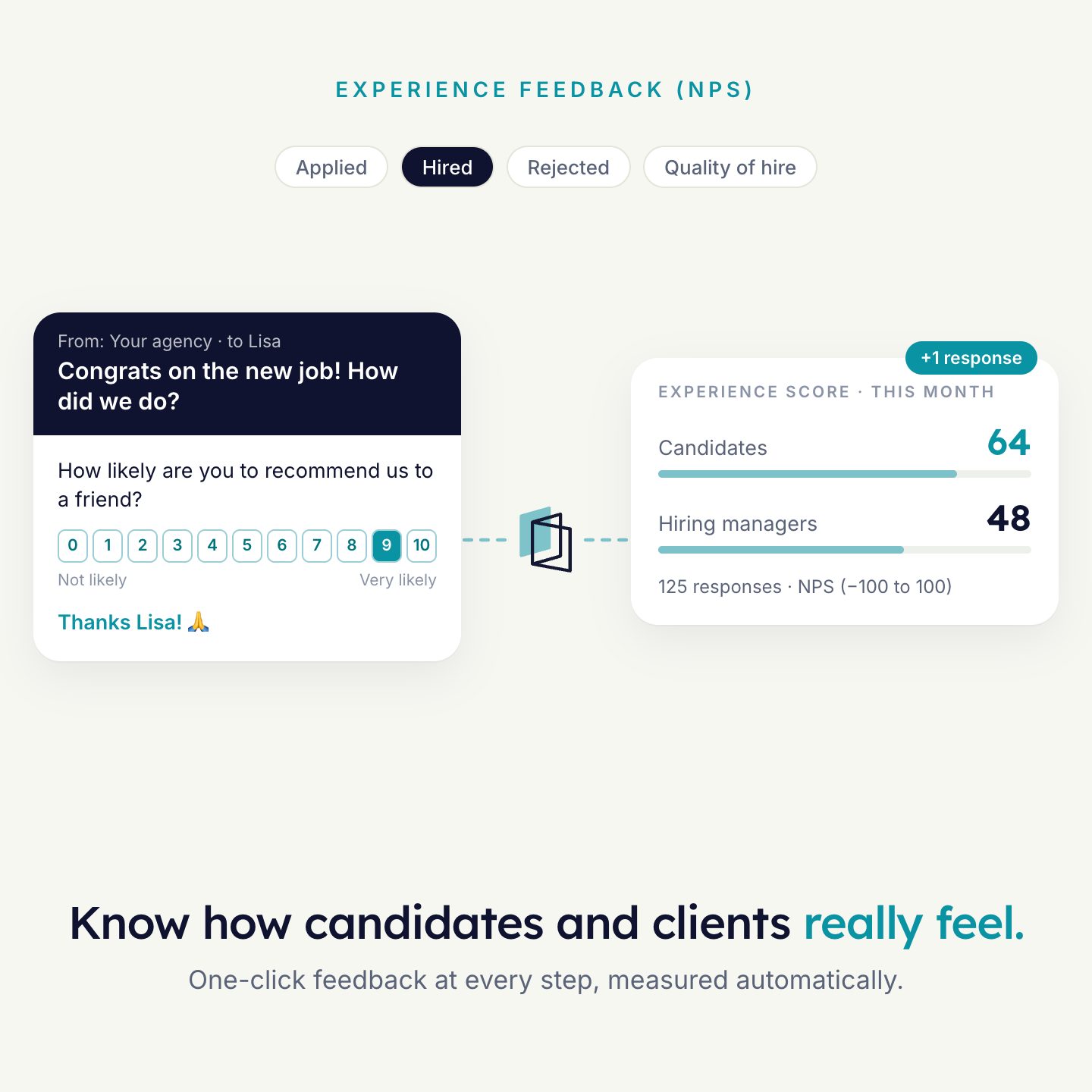
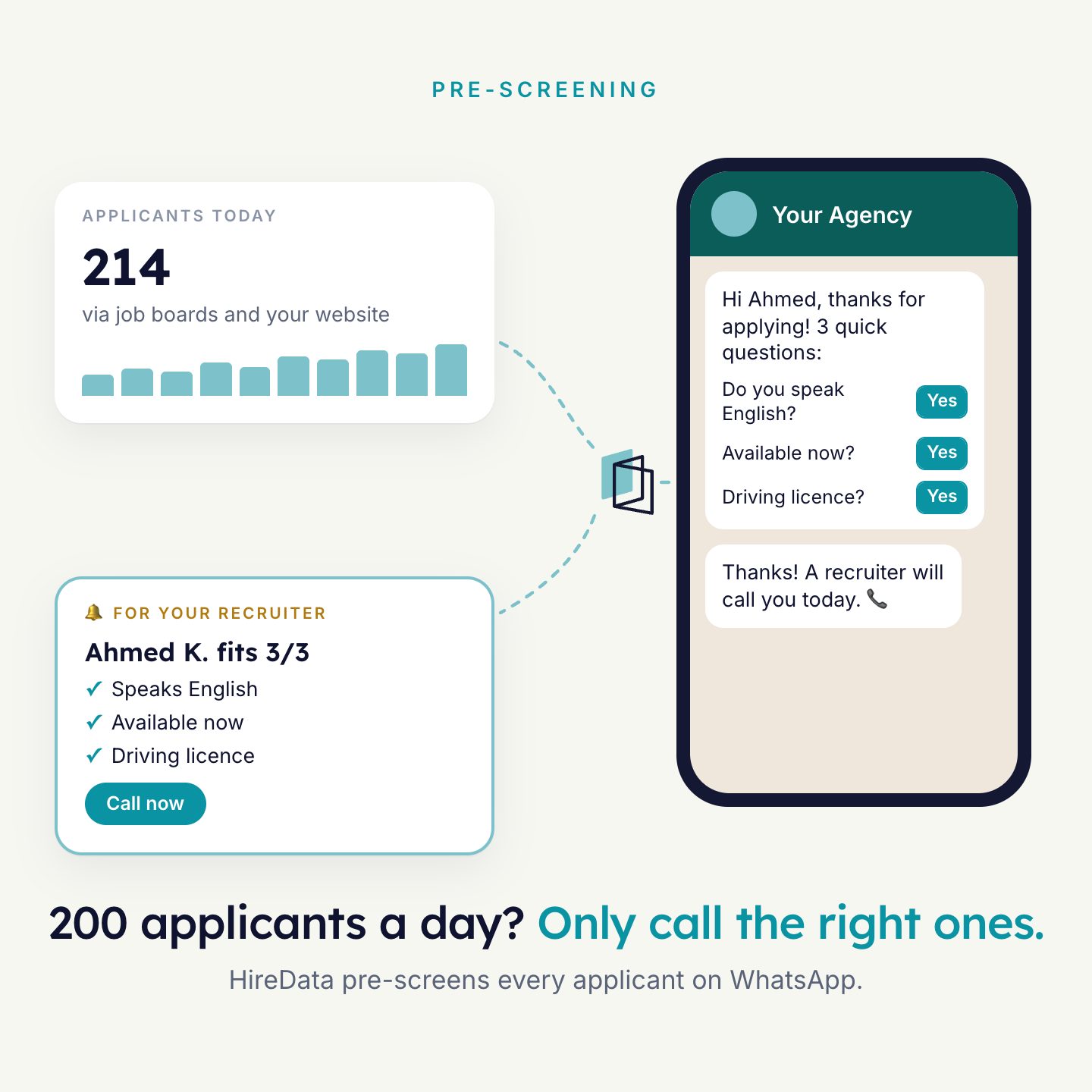
| Email, WhatsApp or survey | Message | Personal messages and surveys, filled with values from OTYS. See WhatsApp and Email. |
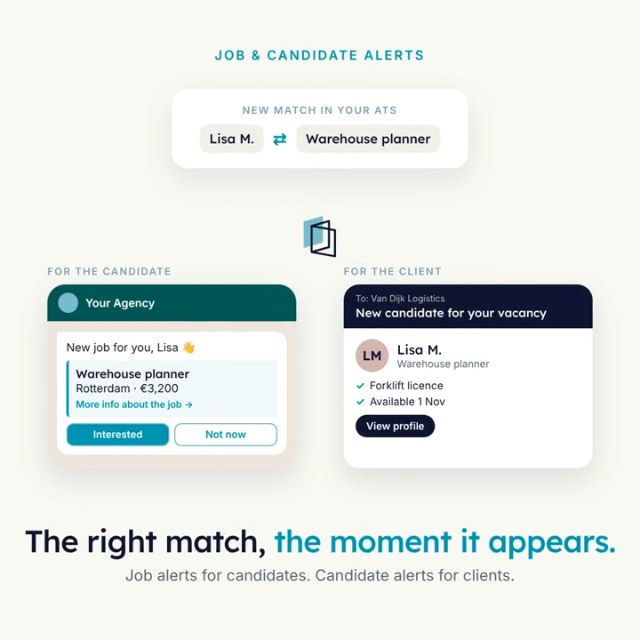
| Job alert template | Message | A ready-made WhatsApp job alert for OTYS. It tells candidates about a new job and collects their reply. |
What is read and written
What an agent reads from OTYS and writes back.
| Object | Supported | Notes |
|---|---|---|
| Procedure | Trigger | Created or updated. Filter on procedure status. |
| Candidate | Read | For example as the recipient of a survey. |
| User | Read | For example as the sender of a message. |
| Tasks and activities | Add | Created by an agent. |
| Records | Update | With the Update Object step. |
The objects, fields and tasks you see in HireData are the ones available for your OTYS connection. HireData imports your users, objects, fields and statuses, and syncs them again every day. Run a manual sync when you need a change right away.
How to connect
- Open the OTYS app in HireDataClick New Connection.
- Enter your account name and API keyYour OTYS representative can provide them.
- Pick the triggerSelect OTYS, the object and the event, and the related records you need.
- Test, then activateRun the agent with sample data and check that each step uses the right OTYS values.

See it run on your own vacancies.
Answer four short questions and watch the agent for your problem. Then book 30 minutes with us.