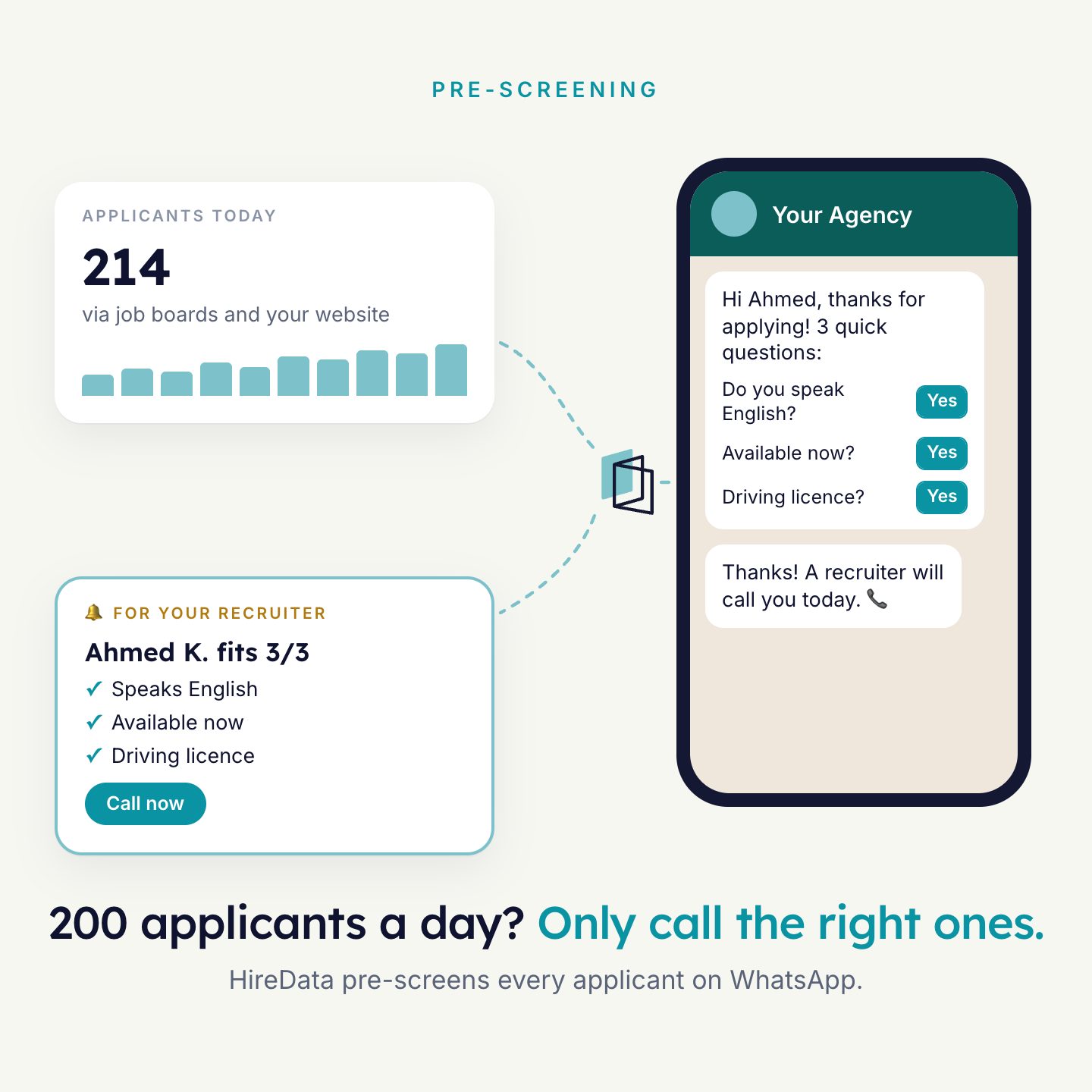
Pre-screening
A new match gets knock-out questions on WhatsApp. The answers land on the match.
Watch how it worksSomething happens in your database. An agent follows up by WhatsApp or email and writes the result back on the record. Your team never switches tools.
 Match
Done by HireData, saved on the match
The main ways to start an automation. Click one to see an example.
A new applicant comes in at 22:14. Two minutes later she has answered your three questions.
You move a match to Qualified. The candidate gets a link to book the intake herself.
Thirty days before a contract ends, the candidate is asked about a next job. You hear it before the gap.
Also works withBirthdayInterviewPlacement startLast contactConsent expiryYour own date fields
Every Monday morning, everyone who is placed gets a short check-in. Problems surface early.
You select 100 quiet candidates and click Action. By tonight you know who is available.
Everything the agents do shows up on the records your recruiters already open.
Candidates / Mark de VriesAction ▾1Hi Mark, are you open to work again?
Yes! From Monday, B licence 👍
Great, Tom will call you tomorrow.
NoteAnswers: available from Monday, licence B. Summary by HireData.
Task for TomCall Mark about Delivery driver, Rotterdam.
Illustrative example. Which fields you see depends on your setup.
Four kinds of steps, in any order. Start from a template, or ask Tim to build it with you.
Example: intake for qualified matches
Update any field, add a note or task, create a match, add a publication, find a record (also with AI), log an email.
WhatsApp from a template, a WhatsApp conversation with a form, or an email with opens and clicks.
Write, extract, summarise, classify, translate or score against knock-out questions. Add a review step so a person approves first.
Filter and split, loop over records, wait and skip weekends. Connect Google Sheets, webhooks or email finding.
A new match gets knock-out questions on WhatsApp. The answers land on the match.
Watch how it works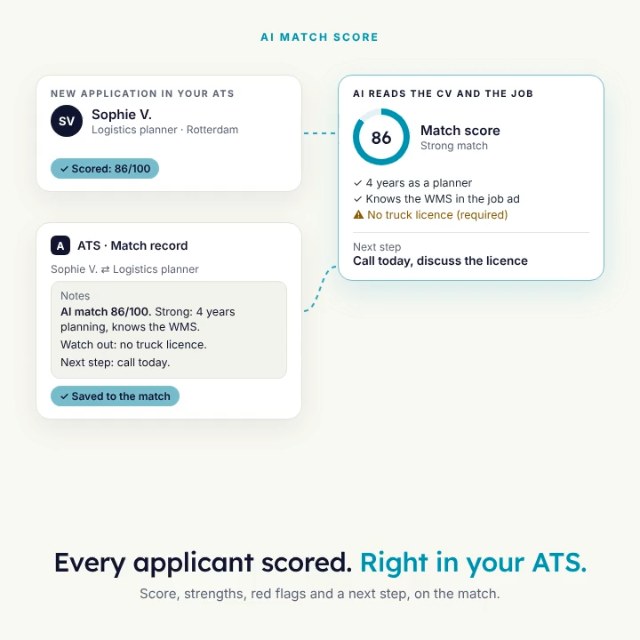
Every CV scored against the vacancy, saved on the match. Your recruiter approves.
Watch how it works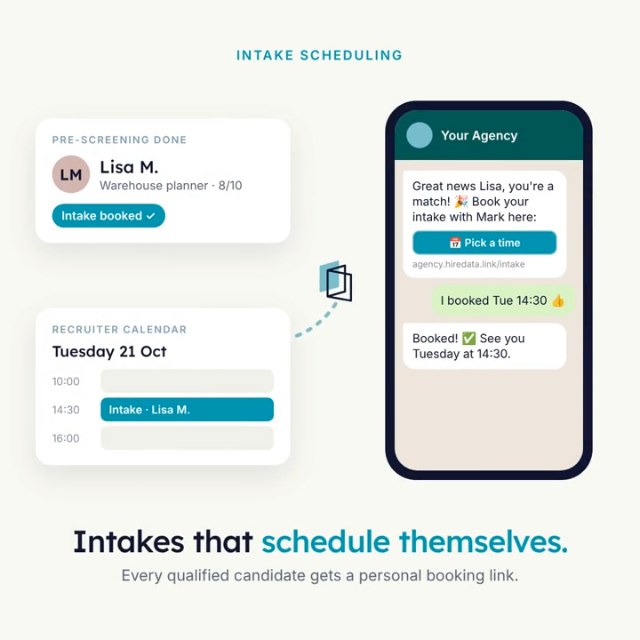
A qualified match books its own intake. Stage and booking are updated.
Watch how it works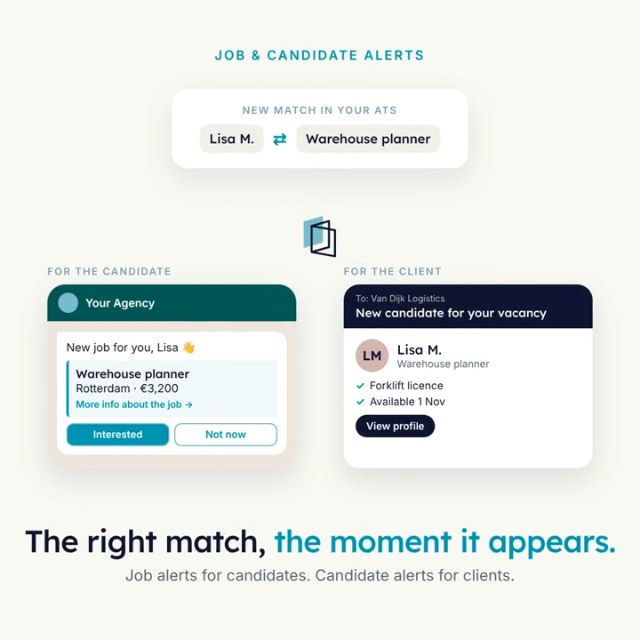
A new vacancy goes to the candidates who fit. Replies are logged on the candidate.
Watch how it works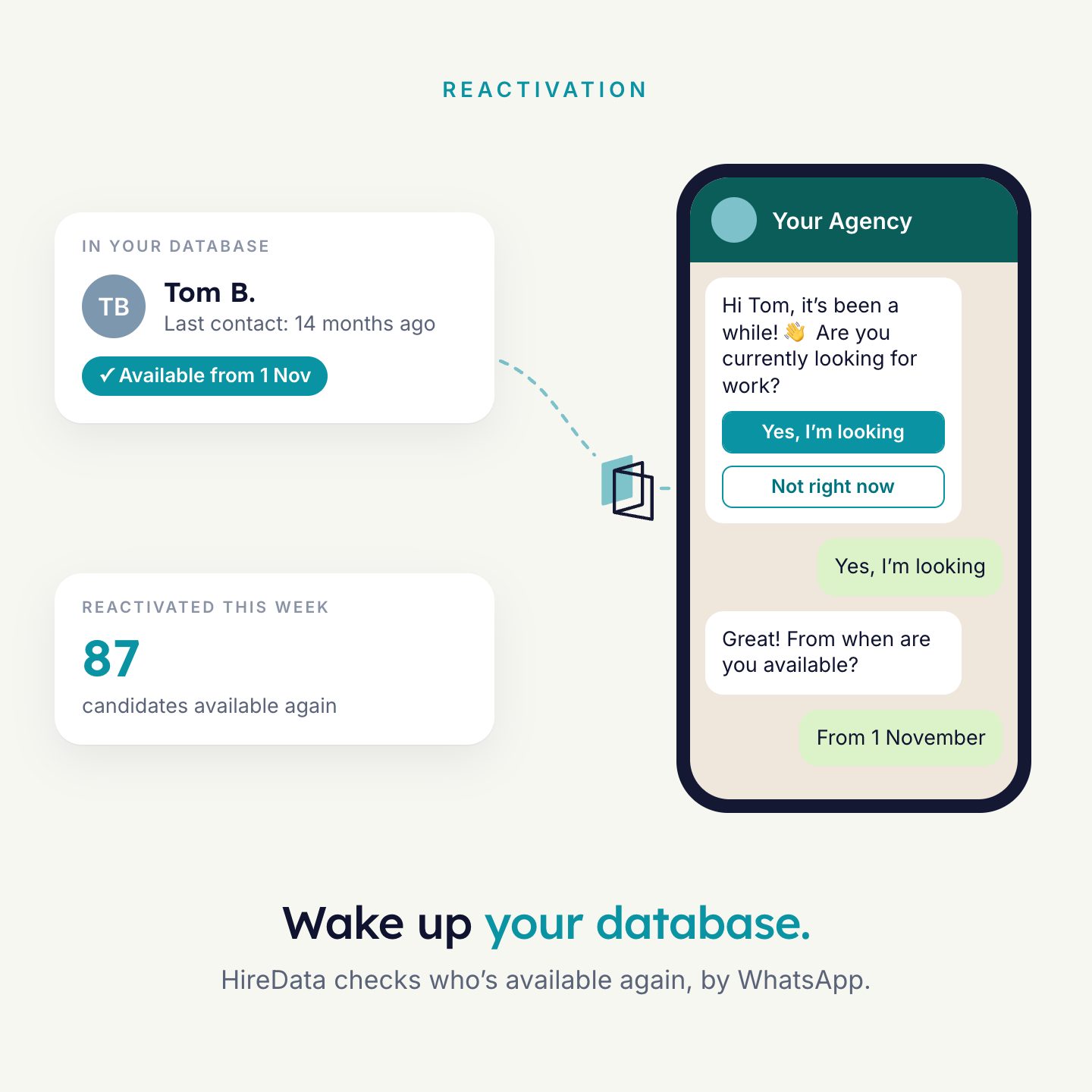
Quiet candidates get a check-in. Availability updates itself.
Watch how it works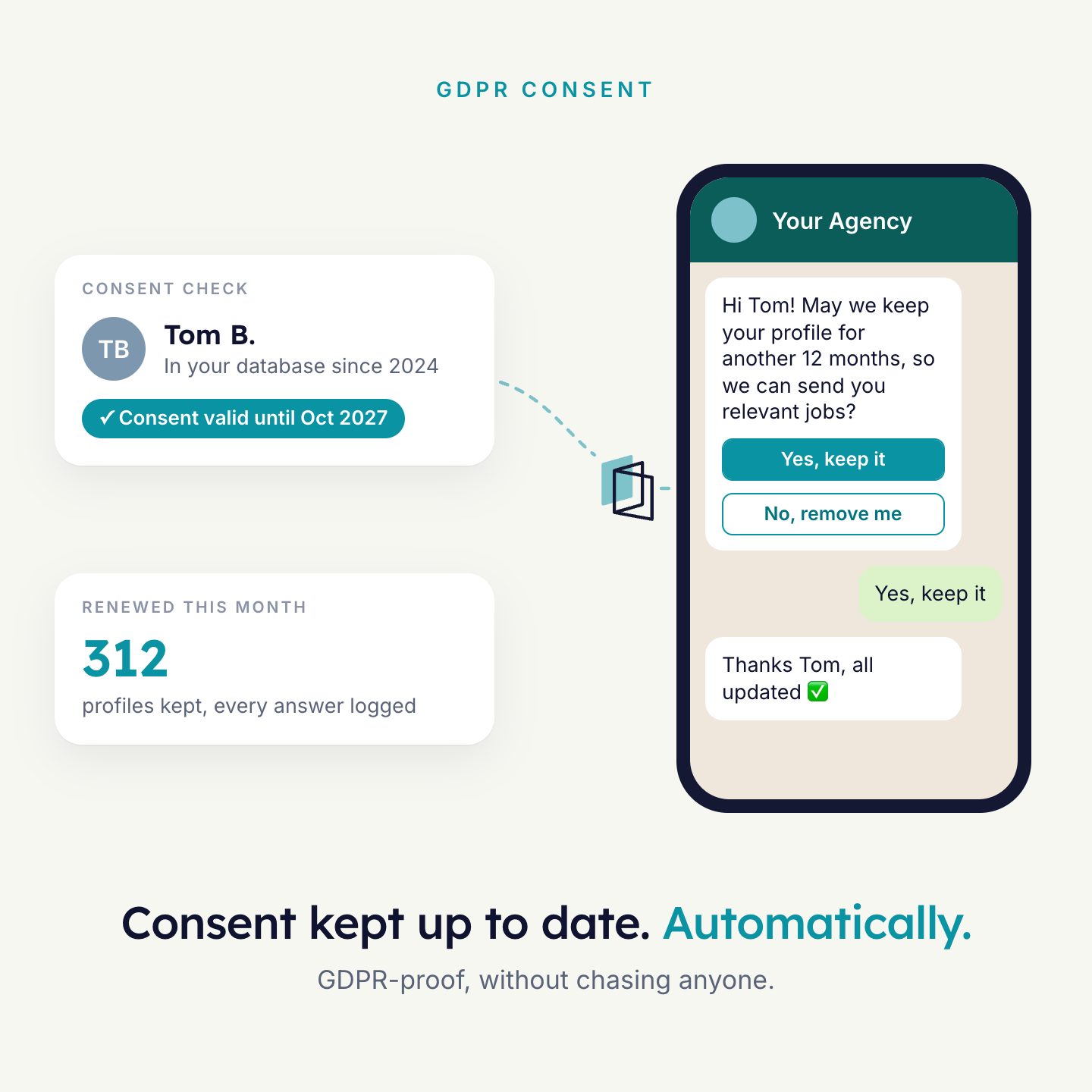
Before consent runs out, candidates are asked to renew. The new date is saved.
Watch how it worksAlso popular: Candidate alerts, Fresh vacancies, and many more templates.
We connect read-only and go through twelve months of candidates, clients, vacancies, matches and placements. You see where the placements are, in numbers from your own data. Nothing in your Carerix changes.
The gaps in your data, the automations that fix them, and what each one is worth in placements and hours.
Placements where an automation reached the candidate first, and the hours it gave back to each recruiter.
18,400 candidates2,300 clients640 vacancies51,000 matches3,600 placements25 recruiters
Where the biggest gains are
Can you reach them?
Is the data usable?
What this tells us. 58% of the candidates have not been active for over a year, and only 9% have a known availability date. A WhatsApp availability check brings them back without a single call.
| Recruiter | Score | Candidates | Complete | Placements |
|---|---|---|---|---|
| ARecruiter A | 92 | 740 | 61% | 164 |
| BRecruiter B | 88 | 1,120 | 48% | 186 |
| CRecruiter C | 71 | 2,310 | 22% | 94 |
What this tells us. Your best recruiters keep their data complete. Recruiter C holds the most candidates but the thinnest profiles: that is where the hidden placements are.
From match to placement
What this tells us. Most matches stop at selection. Knock-out questions on WhatsApp move the right candidates forward the same day.
How we estimate: 10,700 dormant × 25% reply × 3% placed ≈ 80 placements a year.
The example report shows an illustrative agency, not a real customer. Your scan shows your own numbers. The scan is available for Carerix today.
Carerix RMAMarketplaceInstallAdd Carerix RMA from the Marketplace. No API keys, nothing to migrate.
Choose a bundle of tasks when you activate. Your whole team uses it, no seats.
Start with a ready-made automation, or build your own with Tim.
Read more: Carerix integration overview, Connect with Carerix, All automation steps

Answer four short questions and watch the agent for your problem. Then book 30 minutes with us.