Email in your brand, from your own domain.
Agents send alerts, surveys, forms and newsletters by email. Each email uses your brand, comes from your own domain, and is filled in from the record in your ATS.
For recruiters and marketers at an agency who want every email to look and read like their own.
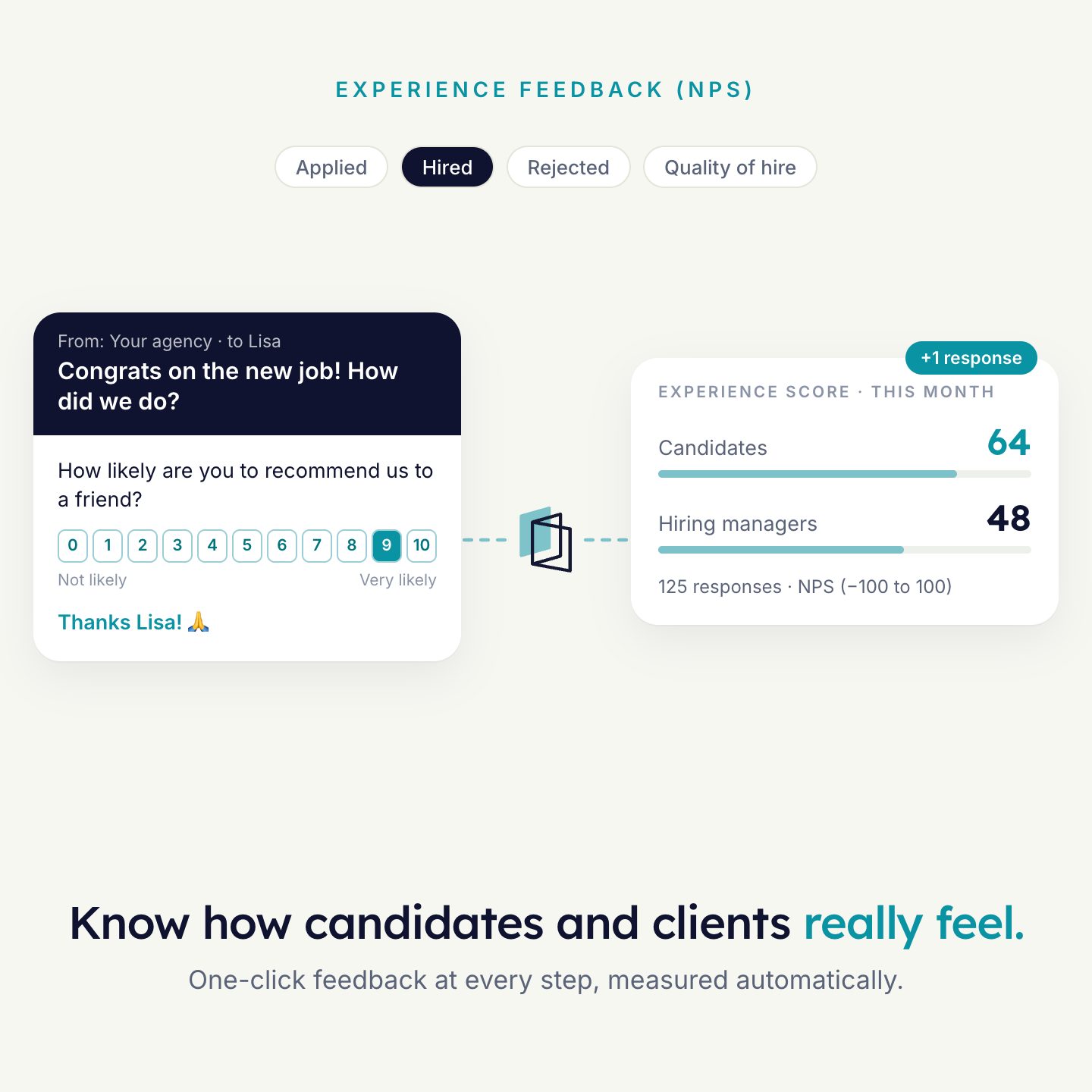
A feedback email with the rating in the email itself.
Build it once, in your brand.
Start from a template or a blank email. An email is made of sections, and each section holds blocks.
- Brand: pick a brand and the email takes its logo, colours and fonts.
- Signature: the sender’s name, photo and contact details, filled in per sender.
- Unsubscribe link and a disclaimer are built into the footer.
- Preview in three widths and send yourself a test before it goes out.
Hi Recipient: First Name, a new vacancy came in that fits your profile.
Blocks in the email builder. Example email.
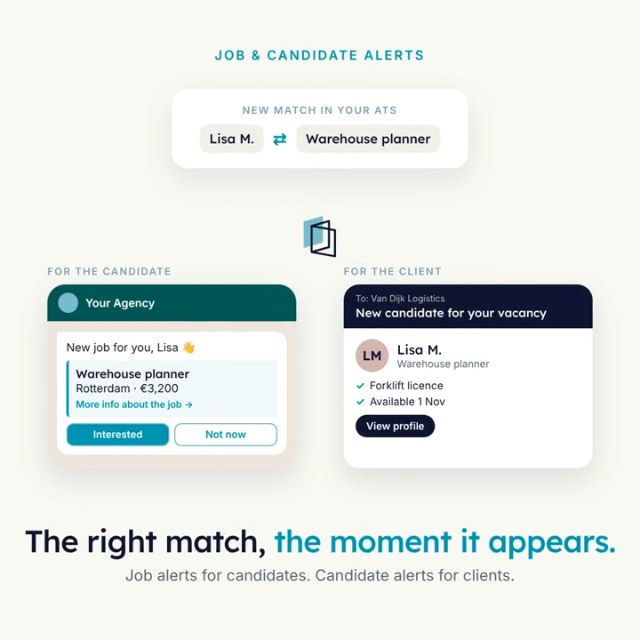
Filled in per person, in their language.
- Variables put the first name, the job title or the sender into the subject and the text.
- Fallbacks decide what a recipient reads when a value is missing.
- Translations: one email in several languages. Each recipient gets theirs.
- Sender: send from a specific user, or use a dynamic sender.
The first question is in the email.
Add a Form block. A rating or choice question becomes one button per answer. The click that opens the form is also the answer.
Sent from your domain, with limits on.
Your own domain
Verify your domain once by adding the DNS records HireData gives you. After that, emails go out from your own address.
Send limits
Limit how many emails one address receives, in total and from the same automation, so nobody is flooded.
Newsletters too
Schedule an automation, filter the audience on a field in your ATS, and send. For example every Monday at 9:00 to candidates in your newsletter group.
What you see afterwards
- Sent
- Delivered
- Bounced
- Opened
- Clicked
The five figures per automation. Bars are an illustration. Opens and clicks can start the next step.
The email and the answer are on the record.
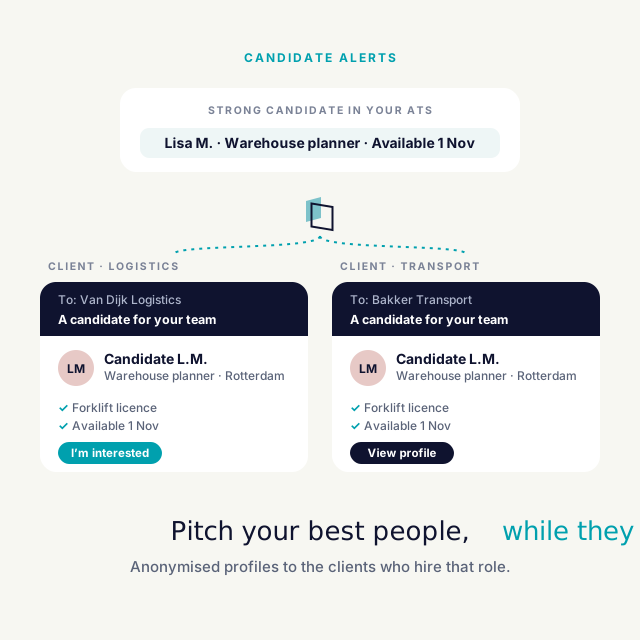
The audience comes from your ATS and the variables are filled from the record. In Carerix, for example, an automation logs every sent email: sender, recipient, subject, body and time.
- Your ATS picks the audienceAn event, or a filter on a schedule
- The agent sendsIn your brand, from your domain
- Logged on the recordWith the answers from any form in the email
Examples that use it
Each agent does one job well. Most agencies run a few together.

See it run on your own vacancies.
Answer four short questions and watch the agent for your problem. Then book 30 minutes with us.