Forms that end up in your ATS.
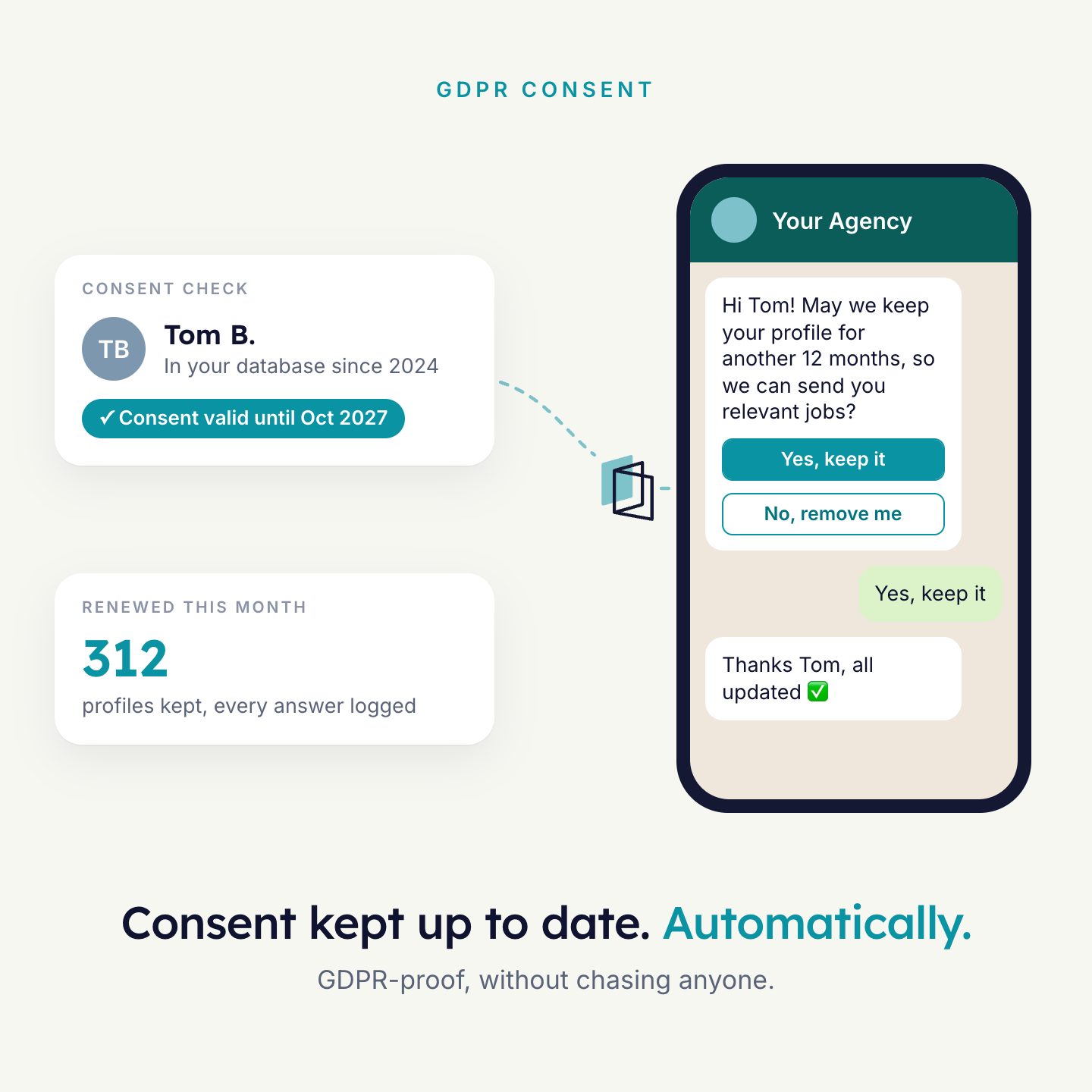
Ask candidates, clients and hiring managers what you need to know: screening, availability, interview feedback, consent. They answer from an email or in a WhatsApp conversation. The answers are saved on the right record.
For recruiters and operations teams who now collect this by phone, and type it into the ATS by hand.
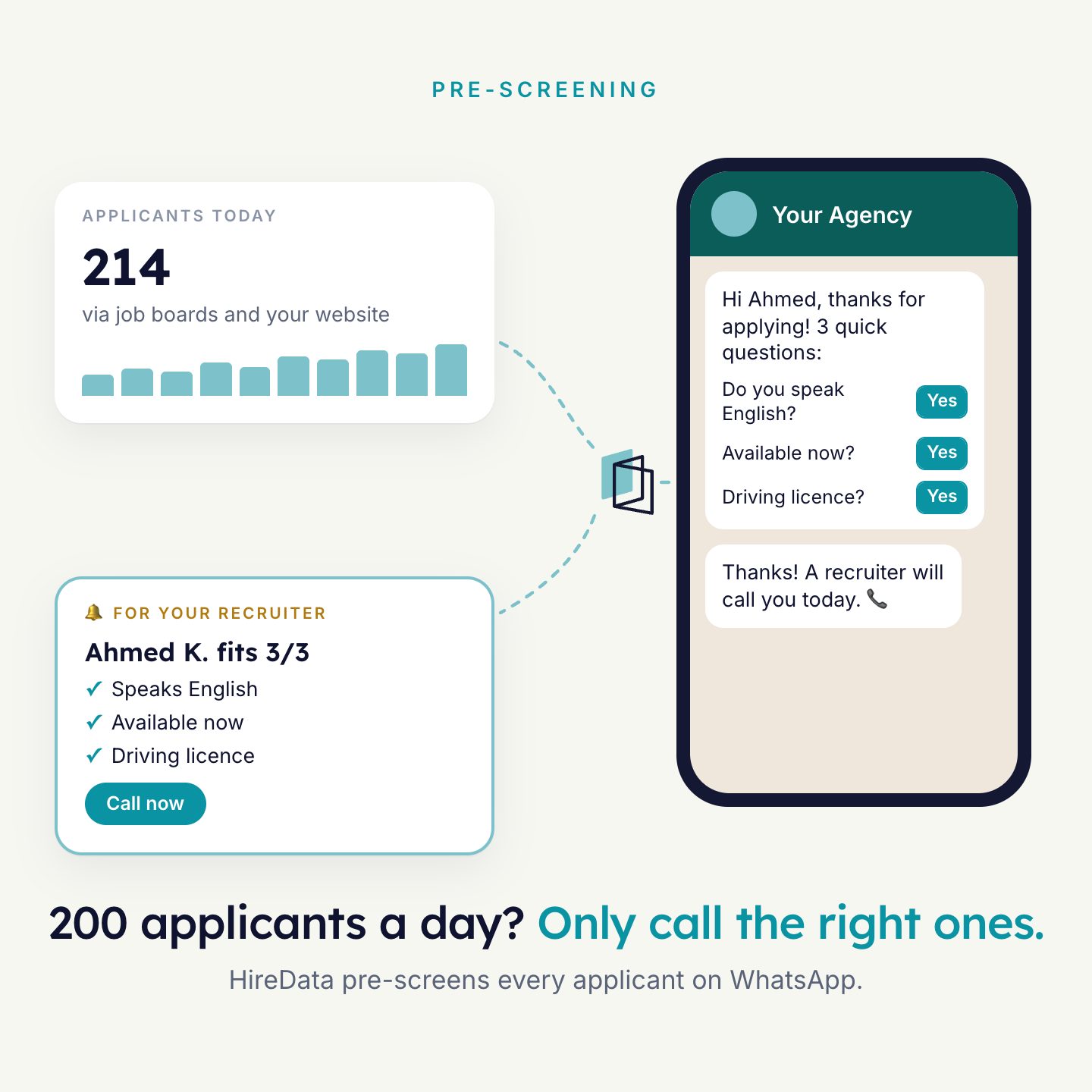
Licensed and available from May. All must-haves answered.
Your own questions, with logic.
Start from a template or a blank form. Add questions, then add rules that decide what a person sees next.
- Question types: text, contact details, date and time, choice, number, rating, file upload.
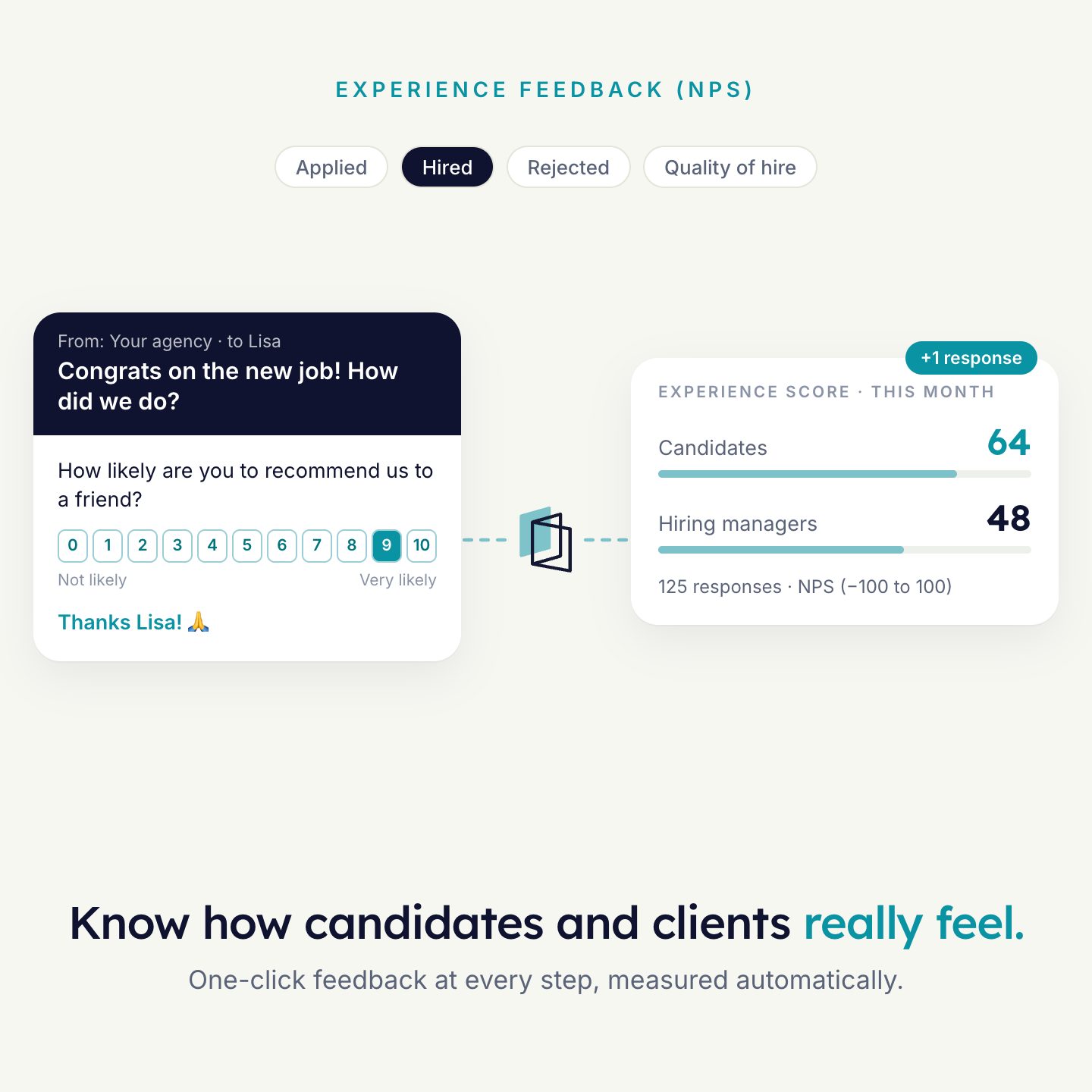
- Rules: a rating of 7 or lower shows a follow-up question. An 8 or higher goes on to the next question, or to a request for a Google review.
- Endings: a thank-you screen, or a redirect to a page you choose, such as a booking page.
- Preview the form as a web page and as a WhatsApp chat before you publish it.
Switch questions on or off per vacancy.
You do not need a form per vacancy. Build one form and link it to the vacancy. Each vacancy then serves only the questions that belong to it.
- A client with a hard requirement gets that question on for their vacancies only.
- A vacancy without a salary range skips the salary question.
- Mark a question must-have or nice-to-have per vacancy.
- Forklift licence?
- On · Must-have
- Night shifts okay?
- On · Nice-to-have
- Years of experience?
- Off
- Salary expectation?
- Off
Every response checked the same way.
Describe your knock-out questions and what a good answer looks like once. Every completed response is evaluated as soon as it comes in. Your team still makes the decisions.
Rules or AI
Use answer rules for fixed values, such as a minimum number of years. Use AI when the answer needs reading, such as a free-text explanation.
Test before you rely on it
Fill in a test response, or let AI invent one, and read the verdict, the score and the reasoning per question.
Use the result
An automation can act on the verdict. For example: move the match to the next stage when the result is “Meets criteria”.
Answered where people already are.
In an email
Put the form in an email. The first question shows in the email itself. A rating or choice becomes one button per answer, so the click is the answer.
About EmailIn a WhatsApp conversation
The agent asks the questions of your form in the chat. When the conversation ends, the answers update the fields in your ATS.
About WhatsApp
Answers land on the record.
HireData maps each answer to a field and updates it in your ATS. A candidate gives an availability date, and the availability date on the candidate is up to date. Responses can also be exported to CSV or Excel.
- A form is linked to a recordA vacancy, a match or a candidate
- The response is evaluatedVerdict, score and summary stored with it
- Fields updated in your ATSNo typing over by hand
Examples that use it
Each agent does one job well. Most agencies run a few together.

See it run on your own vacancies.
Answer four short questions and watch the agent for your problem. Then book 30 minutes with us.